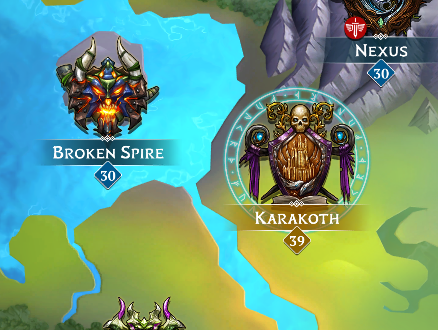
Having a Home Kingdom doubles the tribute amount from the Home Kingdom, and serves as a collection spot for all gold and tribute from all Kingdoms.
Players can set a home kingdom by doing the following:
- From the world map, select the kingdom to be made home kingdom
- Tap the Crown icon next to Tasks
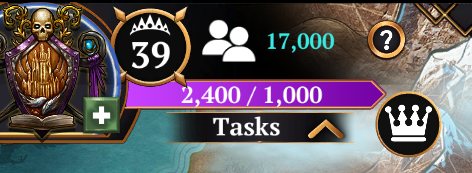
OR
Access the Kingdom Info screen from the bottom left of a Kingdom Map and then Set As Home.
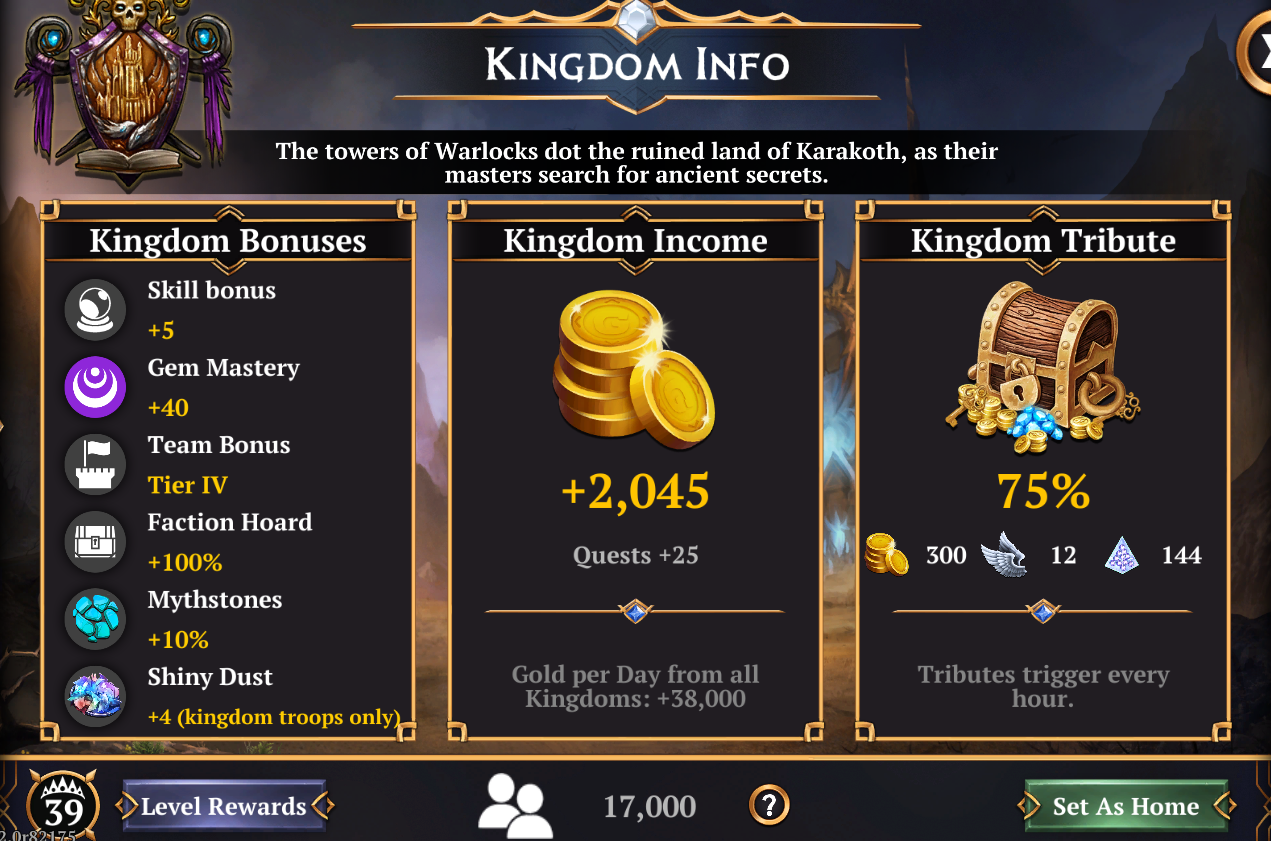
You can change your Home Kingdom as often as you want for free.
Once you have chosen your Home Kingdom it will have a gold name on the Map.